iPhone · iPad · Mac
Bring your PDF back into an editable document.
Choose a text-based PDF and create a DOCX on your device. Preview the result, then save it where you need it.
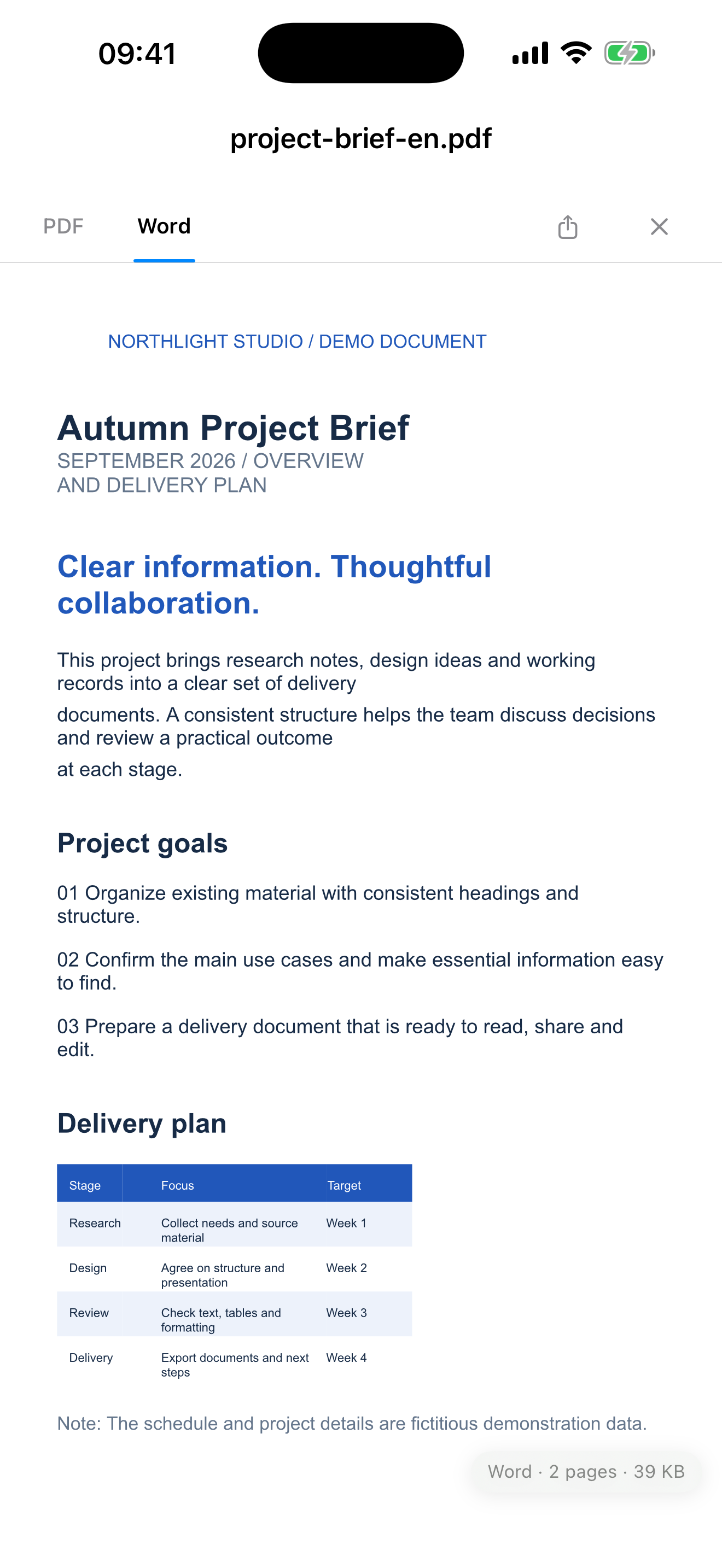
Real app interface · iPhone
THREE STEPS
From PDF to editable DOCX
- 01
Choose a PDF
Preview the original and check its content.
- 02
Convert to Word
Select the Word tab. Conversion runs locally on your device.
- 03
Save or share
Review the DOCX and edit it in a compatible word processor after export.
For PDFs with extractable text
OCR is not included. Image-only scans, encrypted PDFs and damaged files are not supported. Complex layouts may need adjustments after export.